Nave Power-Up for Trello
See how work flows without leaving your Trello board
Connect your board to Nave to see flow metrics, aging work, bottlenecks and delivery forecasts from the history you already have.
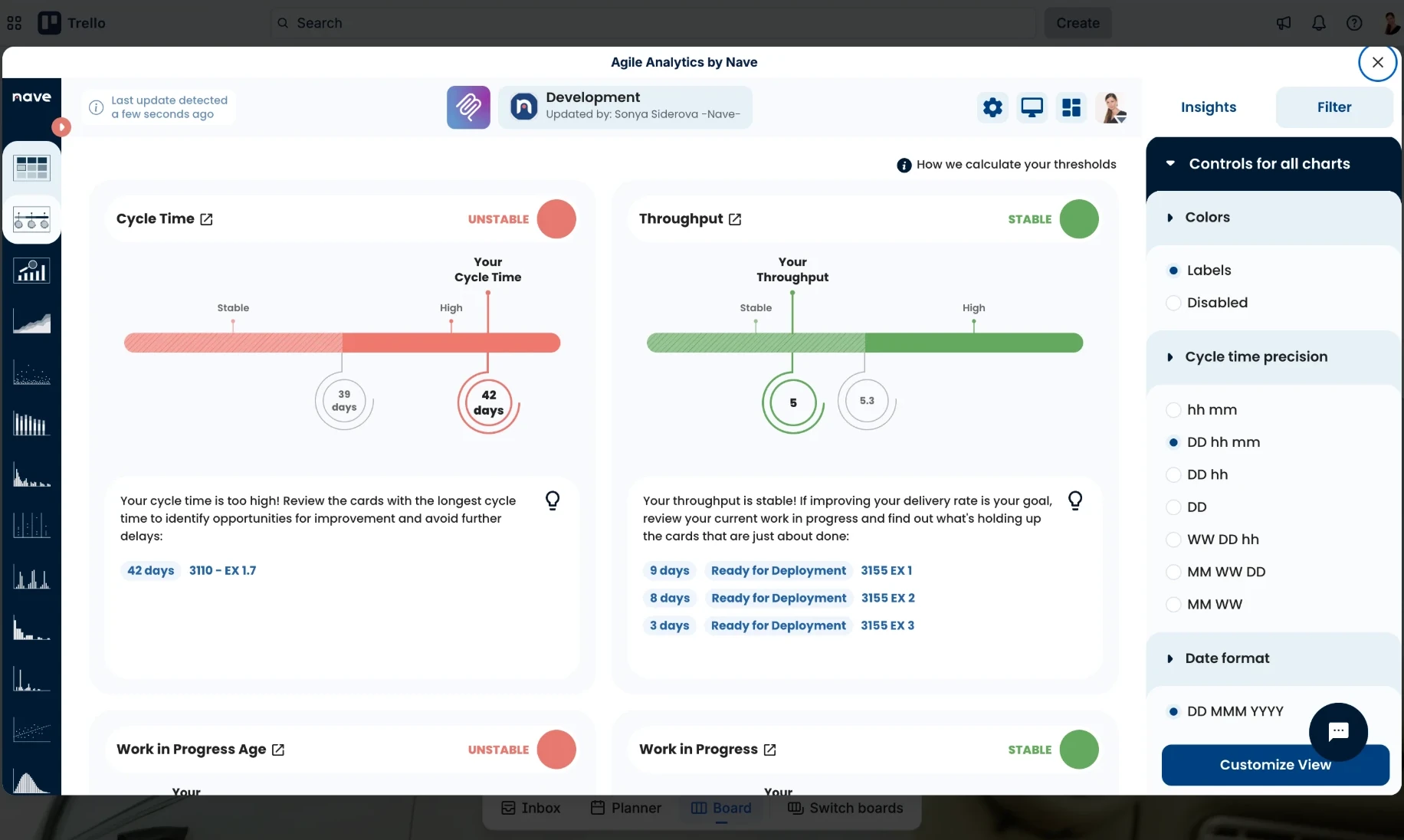
Add Nave to Trello in three steps
-
Open Add Power-Up
Select Power-Ups in the board header, then select Add Power-Ups.
-
Find Agile Analytics by Nave
Open Analytics & reporting and select Add for Agile Analytics by Nave.
-
Add it and grant access to the board
Select Add in Trello’s consent dialog.
After installation
From your board to delivery evidence
The Nave button opens the same app inside Trello, with your dashboard, charts, filters and Insights.
-
Trello board
Connect a board and use the card history it already holds.
-
Nave Power-Up
Open Nave inside Trello with the same Trello login you use on the web.
-
Delivery evidence
Use flow metrics, charts, filters and AI Investigator Insights to examine delivery.

From your board
What can you learn from your Trello board?
-
Where is work slowing down?
See cycle time by workflow stage and identify where work is accumulating.
-
What needs attention now?
See aging work before it becomes a delivery problem.
-
Is delivery becoming more predictable?
Track cycle time, throughput and WIP over time.
-
When are we likely to finish?
Forecast delivery using your actual throughput.
Flow over time
The Cumulative Flow Diagram shows work in each workflow stage over time. When a band widens, work is accumulating in that stage.
Read the Cumulative Flow guide
Current work
The Aging Chart plots every item in progress by workflow stage and age against percentile lines from your board’s history.
Read the Aging Chart guide
Delivery forecast
Monte Carlo simulations use your board’s daily throughput to show how many tasks may finish at different confidence levels, without estimates or story points.
Read the Monte Carlo guide
Board history
Works from the history already in Trello
Nave reads the card history your board already holds, so charts are available after the first sync finishes.
-
Card history
Nave keeps card details, selected custom field values and every move between lists. It includes archived cards in Done lists.
-
Ongoing synchronization
A webhook updates the charts when the board changes, and Nave runs a full re-sync every week.
-
Read-only access
Nave requests read and account permissions, never write permission. It does not request descriptions or store comments, attachments or your Trello password.
Add delivery analytics to your Trello board
Open Nave inside Trello and start with the history your board already holds.
Each Trello board you connect counts as one board on your subscription. See pricing